Phishing remains one of the most common ways attackers break into Indian organisations. A single fake invoice, courier notice, or password-reset email can lead to stolen credentials, fraudulent payments, or ransomware. Because of this, anti-phishing solutions in India now go beyond a spam filter. They combine email security tools, domain authentication such as DMARC, and employee training. This guide compares those three layers on what they stop, what they miss, and how they work together. It also explains what to look for in a provider, and how local businesses in Thane and the wider Mumbai region can approach the decision. No single layer is enough, so the comparison focuses on coverage.
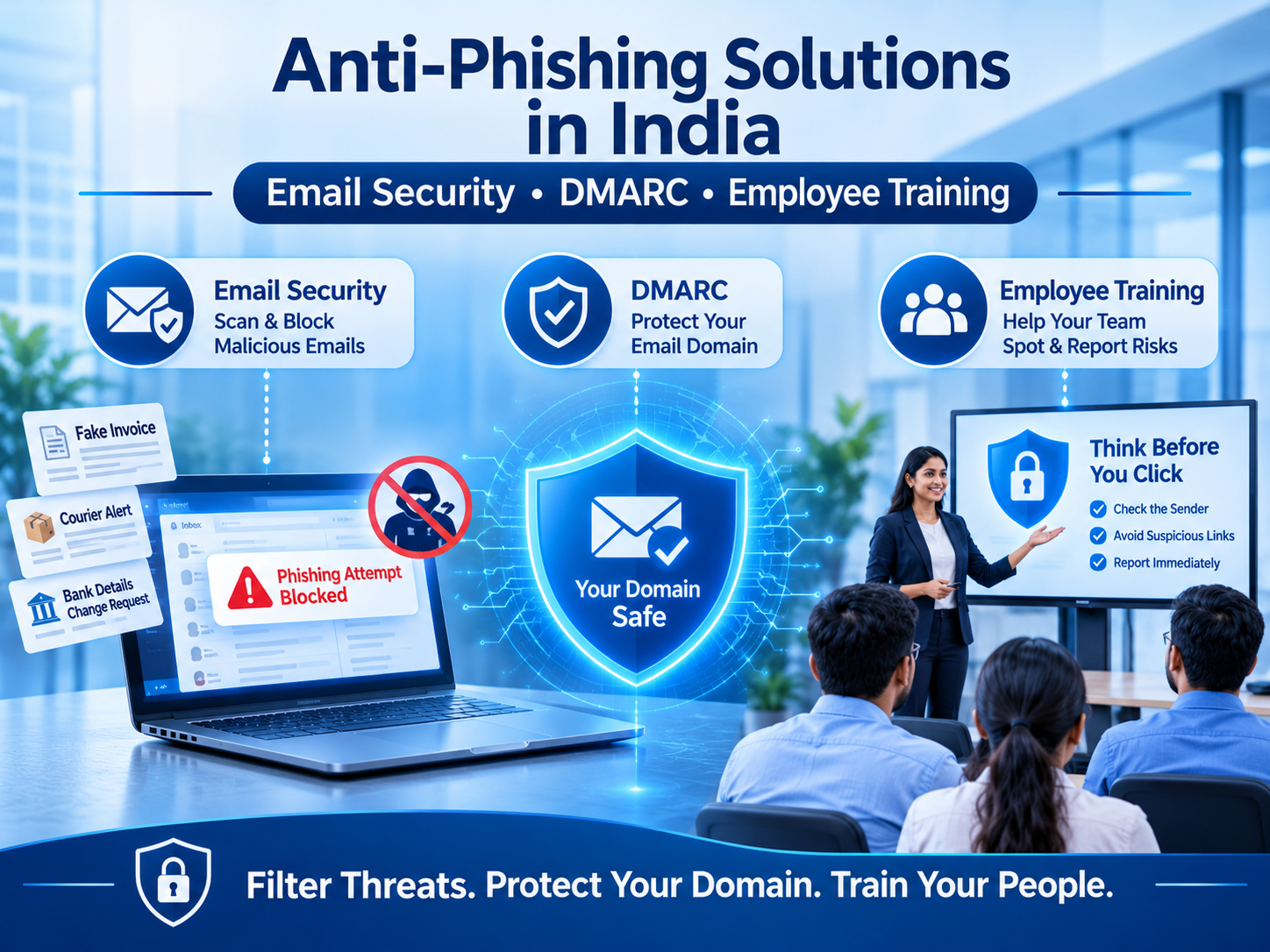
Email security tools block malicious messages before delivery. DMARC stops attackers from spoofing your domain. Training helps employees spot what gets through. Each covers a gap the others leave, so most organisations use all three.
Think of it as defence in depth: filtering reduces volume, authentication protects your brand, and training prepares people for the few messages that remain.
Email security tools scan incoming mail before it reaches an inbox. They typically check:
Strengths: They work automatically and reduce the volume of threats employees see.
Limits: New or highly targeted messages can still slip through, and they don’t protect phone calls, SMS, or WhatsApp.
These are email authentication standards that protect your domain name.
Strengths: DMARC set to “reject” makes it much harder for attackers to send fake emails that appear to come from your domain. It gives reports showing who is sending mail in your name.
Limits: It protects your domain only. It does nothing against phishing sent from lookalike domains, such as one with a swapped letter, or from compromised legitimate accounts.
Training teaches staff to recognise and report suspicious messages. Phishing simulation sends safe, controlled test emails and measures who clicks, enters credentials, or reports.
Strengths: It addresses the human factor, which technical filters can’t fully remove. It also covers channels such as voice and SMS.
Limits: Results depend on regular practice. A one-time session fades quickly.
| Factor | Email Security | DMARC | Training and Simulation |
|---|---|---|---|
| Main purpose | Block incoming threats | Prevent domain spoofing | Reduce human error |
| Protects | Your inbox | Your brand and partners | Your employees |
| Misses | Targeted new attacks | Lookalike domains | Fast, sophisticated lures |
| Setup effort | Moderate | Technical, gradual | Ongoing |
Indian organisations must consider the Digital Personal Data Protection Act, 2023, and CERT-In directions, which require reporting certain cyber incidents within six hours. Phishing is a frequent starting point for those incidents. Many organisations aligned with ISO 27001 also document awareness training and email controls as part of their security programme.
When comparing providers, check these points:
Thane has manufacturers, IT parks, hospitals, logistics firms, and growing small businesses, and all receive similar phishing attempts. Local providers can offer on-site workshops, quicker in-person support, and familiarity with regional business practices. Because Thane is part of the Mumbai Metropolitan Region, organisations can also consider providers across Mumbai and Navi Mumbai.
What are anti-phishing solutions?
They are tools and practices that prevent phishing attacks, including email filtering, domain authentication such as DMARC, employee training, and phishing simulation.
Is DMARC enough to stop phishing?
No. DMARC prevents spoofing of your own domain, but it doesn’t stop phishing from lookalike domains or compromised accounts. It works best alongside email security and training.
How do I find an anti phishing company in Thane?
Search for local cybersecurity firms and managed service providers in Thane and the Mumbai region, then compare services, certifications, and incident support.
How much do anti-phishing tools cost?
Costs vary with the number of mailboxes, features, and support level. Request quotes from several providers and compare what each includes.
How often should employees receive phishing training?
Regular short sessions, often quarterly, along with periodic phishing simulations, work better than a single annual session.
What should I do if an employee clicks a phishing link?
Disconnect the device, reset the affected passwords, alert your security team, and check whether the incident needs to be reported under CERT-In rules.


 Home
